

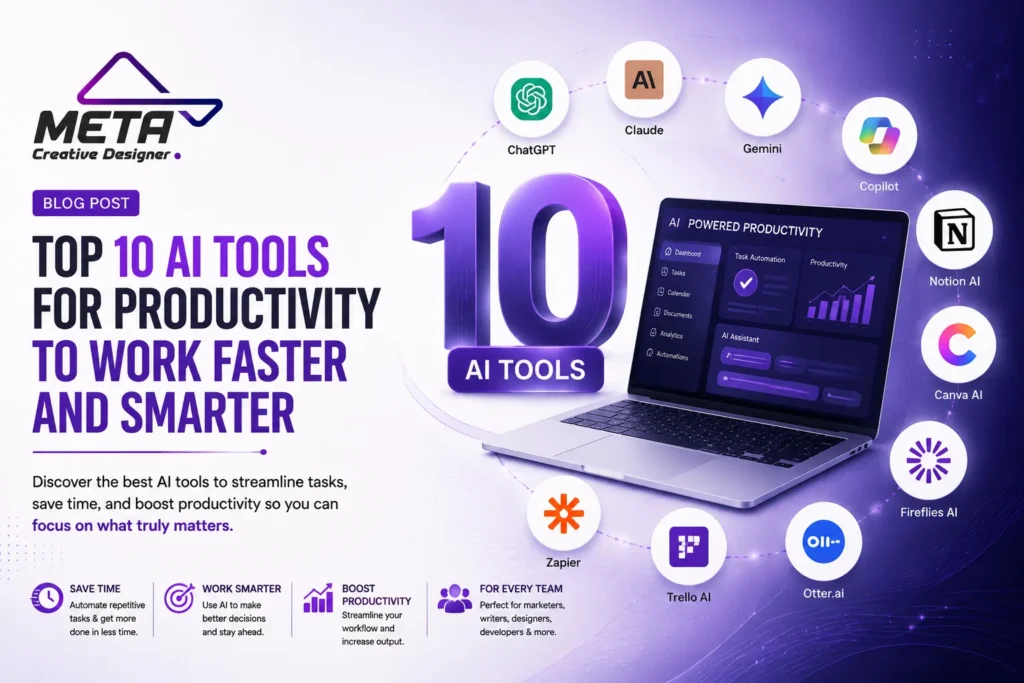

AI is an integral part of the workplace now. In today’s context, professionals use AI for research, document writing, meeting summaries, project management, designing, analyzing documents, repetitive task automation and information organization.
However, the more fragmented AI tools may have a negative impact on productivity. You have to install, train, subscribe to, and maintain new platforms. No one’s aim is to have as many people as they can. It should be to select a specific set of tools to solve real problems in your work life.
There are the top 10 AI productivity tools for business owners, marketers, designers, developers, writers, students, and out-of-office teams that will make them more productive and faster.
1. ChatGPT
Best for: Everyday productivity, writing, research, analysis and problem solving
ChatGPT is a generalized artificial intelligence that can help with a variety of business activities. It can help users to think and brainstorm, write e-mail messages, write reports, analyze uploaded files, structure information, write content, solve problems, and plan a project.
Productivity tools are web search, data analysis, file uploads, projects, deep research, custom instructions, and scheduled tasks. Projects can contain related files, instructions, and conversations, and scheduled tasks can be used to keep track of reminders, recurring work, and monitoring.
There are several use cases for ChatGPT, such as a single, flexible tool for multiple departments. Marketing teams can develop a campaign, managers can plan, and analysts can review spreadsheets or reports.
The quality of the results is dependent on the instructions and information given. Use caution in verifying key facts, figures and business decisions before use.
2. Claude
Best suited for: Long documents, thinking and analysis, complex projects
Claude is Anthropic’s AI writing assistant, which can code, analyze data, research, and solve complex problems. It’s particularly helpful when dealing with a lot of information or detailed instructions.
Claude Projects are workspaces set up independently, and these will contain their own conversations and knowledge base. Users can upload documents and project instructions and have their own clients and initiatives. Claude Artifacts enable users to create and edit documents, code and diagrams, visualizations, tools and interactive content in a workspace separate from the conversation.
Claude can be helpful in creating proposals, summarizing lengthy documents, refining text details, clarifying complex concepts, and outlining processes. It is also a good choice of developer(s) if they would like to understand, debug or enhance code.
Like any AI tool, it’s important to review the results of this AI assistant to ensure that they are correct and complete.
3. Google Gemini
Perfect for: Google Workspace users
For companies that use Gmail, Docs, Sheets, Slides, Drive, Meet and Google Chat, Google Gemini is a good productivity choice.
With Gemini, users can compose emails, summarize documents, structure information, analyze data, create presentation content and search for information in attached documents in Google Workspace apps. Additionally, Google Meet’s Gemini features can also record meeting notes and keep participants engaged in the conversation.
It also includes sophisticated tools to give in-depth research and multi-modal collaboration with text, files, images and more. When preparing a project, doing research, giving presentations or organizing communication between teams, this is useful.
The main advantage of it is its ease of handling. Employees can utilize AI without the need to constantly switch between different platforms, but within the apps they are already using.
4. Microsoft 365 Copilot
Perfect for: Google Workspace users
For companies that use Gmail, Docs, Sheets, Slides, Drive, Meet and Google Chat, Google Gemini is a good productivity choice.
With Gemini, users can compose emails, summarize documents, structure information, analyze data, create presentation content and search for information in attached documents in Google Workspace apps. Additionally, Google Meet’s Gemini features can also record meeting notes and keep participants engaged in the conversation.
It also includes sophisticated tools to give in-depth research and multi-modal collaboration with text, files, images and more. When preparing a project, doing research, giving presentations or organizing communication between teams, this is useful.
The main advantage of it is its ease of handling. Employees can utilize AI without the need to constantly switch between different platforms, but within the apps they are already using.
5. Notion AI
- Notion AI
Best suited for: Knowledge Management / Project Management
Notion AI brings documents, internal knowledge, meeting notes, project info and AI to a single workspace.
It provides AI-powered capabilities that can summarize pages, draft content, search information, structure ideas, and facilitate team collaboration with information that is stored in Notion and linked apps. Workspace context lets you run multiple steps in a single task with Notion Agent, and Custom Agents can run repetitive steps. The conversations can be captured in AI meeting notes and turned into follow-up info without the need for an additional meeting bot.
Notion AI can be helpful for groups that use Notion for operating procedures, project plans, content calendars, meeting notes, client records, and internal documentation.
A team, for example, can write campaign data into Notion, write a project summary, and see what tasks have been assigned and draft a project update all within a workspace. It will save you time in having to sift through separate documents and messages.
It is still essential to have a well-organized workspace. Although AI tools can assist, they cannot correct disorganized information or lack of organization.
6. Grammarly
This course is recommended for: Writers and communicators in the professional field
Grammarly is a tool made for professionals to write better emails, proposals, articles, reports, social posts, and internal emails.
Its AI features can start writing, rewrite paragraphs, modify tone, enhance clarity, correct grammar, and even detect information that might be missing from a message. Grammarly is offered on numerous applications and sites and you can obtain help with your writing while you are composing versus copying to a new editor.
This can be helpful if the customers are communicating with the teams regularly. Sales reps can fine-tune outreach emails, managers can make instructions clearer, and marketers can tweak content to better suit a preferred brand tone.
Grammarly is an editor and not the final verdict. If content must be rewritten, users will be asked to confirm that the rewritten content is conveying the same message, especially in the legal, technical, medical, or financial context.
7. Perplexity
Suitable for: Online research with sources with speed
Perplexity is an AI answer engine that will query the web and return you the summarized answers and citations.
Perplexity will ask a question from a user, perform a search on the internet for information, and present that information back to the user in the form of a conversation. The productivity features it offers can help conduct research projects, create content, do market research, capture leads, and do advanced problem solving.
When looking for a quick overview of a topic, perplexity is useful and allows you to have direct access to the supporting sources. A marketer can learn about the trends among customers, a business owner can choose the best software, and a writer can research for a story.
Citations are very useful, but not necessarily accurate conclusions. It is advisable for users to open any relevant sources, check for publication dates and ensure that the information is directly supporting the answer.
8. Otter.ai
Apply when: Meetings & follow-up transcripts
Otter.ai is a tool designed for teams that converts meetings to searchable written information.
With the AI Meeting Agent, it can provide live transcription, summarization, insights, and actionable items. It can participate in Zoom, Microsoft Teams, and Google Meet meetings and integrate meeting details into tools like Salesforce, HubSpot, Notion, Google Drive, Jira, and Asana.
Otter can be used for sales calls, interviews, team meetings, lectures, client consults and project talks. Participants can focus on the conversation instead of taking detailed notes and then go back later and read through the transcript.
Meeting summaries can also be helpful for those members of the team who were not present to get a better idea of what has occurred and who should be responsible for what.
Before recording or transcribing conversations, businesses should get the necessary consent. Also they should read summaries, names, and technical terms; accents and background noise can affect the transcription.
9. Zapier
Best used for: Connecting applications to each other and for automating repetitive tasks.
Any apps will work with Zapier, and it’ll automate the data transfer between them.
It has an AI platform, AI agents, AI chatbots, AI forms and AI integration with more than 9,000 applications. Users can provide an automation in natural language, and Zapier Copilot will help them build an automation, connect accounts, and map information between steps.
For example, a visitor asks a question when he visits the site; the same question can be added to CRM as a contact, alert the sales team, assign a task and send him an email about the question. Project-management software can be used to summarize meeting notes and incorporate them, rather than copying and pasting them.
Zapier can save you a ton of time when you’re looking at processes that are repetitive and are based on rules that you can automate. All workflows should include error notifications, clear responsibility, testing, and a manual backup process.
The only thing that automation can do to the inefficient process is to make it faster.
10. Canva AI
The appropriate tool for the job: Ideal for quick visual information and presentations.
Canva AI is a tool that helps users and teams generate and compose visuals like graphics, presentations, social media posts, marketing materials, videos, and more.
Its conversational AI assistant can come up with ideas of text and visual concepts from instructions. There are also other features such as Magic Write, Magic Eraser, AI Design Creation, Layout Editing, Image Generation, Resize and Format conversion etc.
Canva AI is a powerful tool for small businesses and marketing teams who are short on time and need to generate designs without having to build them from the ground up. The idea for a campaign can be turned into a presentation, a social graphic, an ad for the Internet, or a promotional document.
With the created designs, staying on brand, readable, accurate, licensed and accessible is still important. Although AI can accelerate the content creation process, human creativity and decision-making are necessary for creating unique and high-quality content.
These are the key steps to take in selecting the right AI productivity tools.
In this section you’ll learn how to choose the best AI productivity tools to use in your business.
The ideal tool is one that suits the type of work you are doing.
Use ChatGPT/Claude to solve problems in general and for content ideas. Your workflows focus on Google Workspace? Use Gemini for them—or Microsoft Copilot for Microsoft 365. Business information can be managed using Notion AI, while Grammarly can aid in creating better text.
Perplexity is great for online research, Otter is great to capture meeting information, and Zapier is great to connect business processes.
How to Choose the Right AI Productivity Tools
Prior to subscribing to a tool, you should keep in mind its integrations, security configurations, learning curve, usage limits, and the capacity to fit in with your existing workflow. Plans and features are updated on a regular basis, and it is important to check with the provider prior to making a long commitment on the basis of current information.
Conclusion
AI productivity tools can help professionals avoid repetitive tasks, enhance communication, organize knowledge, research in a more rapid manner, and complete projects more effectively.
AI is not a tool to be used in all situations. Uses the right tool at the right time Always start with one problem, like meeting documentation, preparing content, research, or lead management. Choose a tool, and use it in practice; monitor the results, and use it further only if it is proving useful.
The best use of AI is in combination with human skills. The technology provides the speed and scale; individuals provide the creativity, accuracy, strategy, privacy, and final decisions.
Frequently Asked Questions
What are AI productivity tools?
AI productivity tools help users write, research, organize tasks, analyze information, automate workflows, and create content faster.
Which AI tool is best for everyday work?
ChatGPT is a flexible option for writing, planning, research, file analysis, brainstorming, and problem-solving.
Which AI tool is best for long documents?
Claude is useful for reviewing, summarizing, and organizing detailed documents and complex projects.
What is the best AI tool for Google Workspace?
Google Gemini works well with Gmail, Docs, Sheets, Slides, Drive, and Meet.
Which AI tool is best for Microsoft users?
Microsoft 365 Copilot supports productivity tasks in Word, Excel, PowerPoint, Outlook, and Teams.
Can AI tools automate repetitive tasks?
Yes. Tools such as Zapier can connect applications and automate lead management, notifications, emails, and task creation.
Which AI tool is best for online research?
Perplexity is useful for fast web research because it provides summarized answers with supporting sources.
Can AI tools take meeting notes?
Yes. Otter.ai can transcribe meetings, create summaries, and identify key action items.
Which AI tool is best for creating graphics?
Canva AI helps create social media graphics, presentations, advertisements, videos, and other marketing materials.